
 English
 Nederlands
Registration kiosk for the GP out-of-hours service
Safe patient check-in for GP out-of-hours services with identification and urgent care screening
Registration with identification
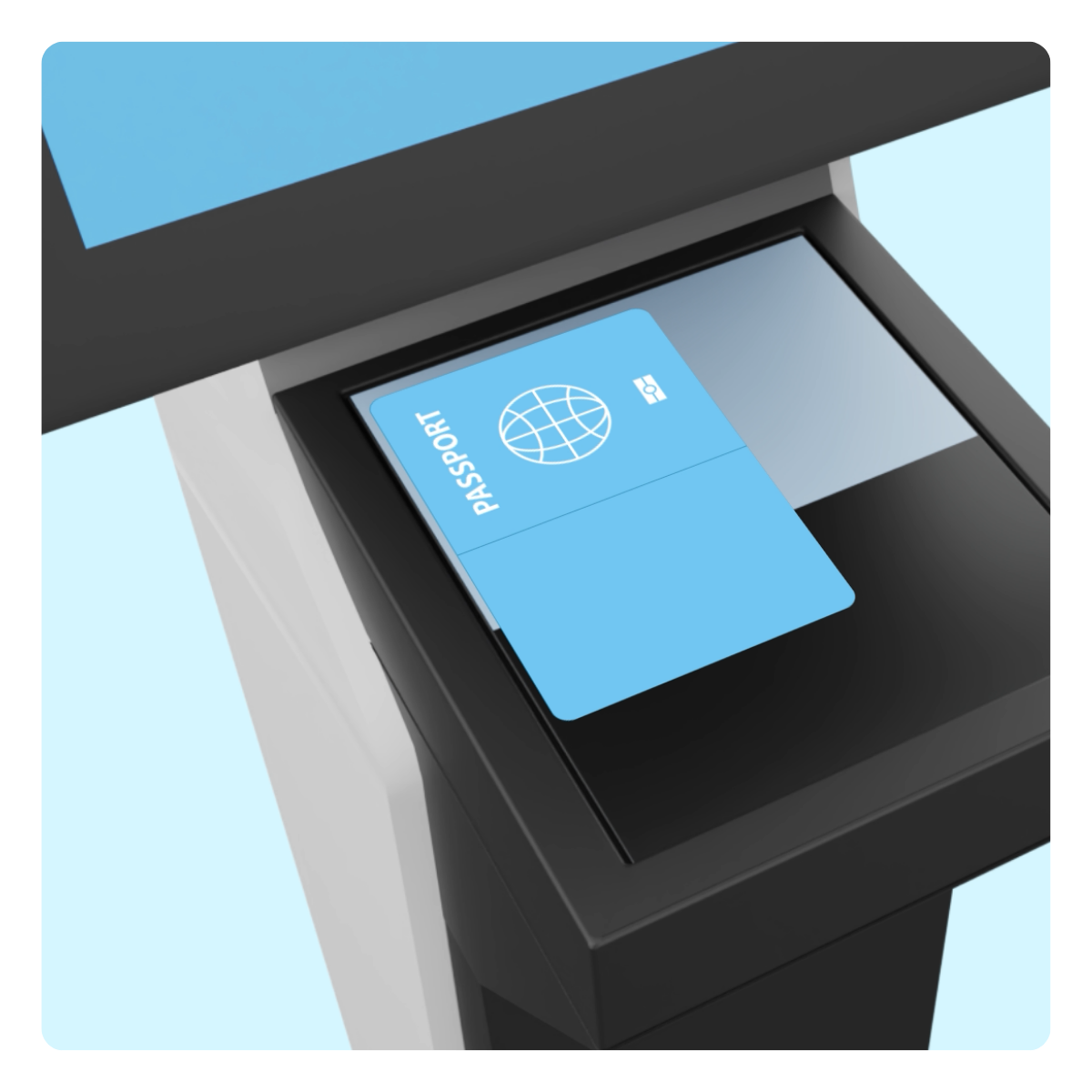
Registration kiosk is part of triage and identification processThe registration kiosk enables secure and efficient patient registration. The integrated document scanner quickly reads identity documents and verifies the patient's identity. Through integration with GP out-of-hours information systems (HAPIS), the registration system can also verify whether a patient has an appointment and identify the associated urgency code. Patients are also asked an additional screening question to determine whether their symptoms have worsened. If this is the case, they are directed immediately to the reception desk.
The registration system is designed to be accessible to a wide range of patients. Clear and straightforward instructions, multilingual support, helpful animations and recognisable icons enable patients to register independently and with ease at the GP out-of-hours service.
The system can also provide guidance to patients arriving without an appointment. For example, a telephone number or QR code can be displayed, enabling patients to contact the service and arrange an appointment.
Integration with VIPLive by Topicus
Discover how a registrationkiosk with Spoed EPD (VIPLive) works
What does it deliver?
More calm and overview at the GP out-of-hours serviceThe registration system creates more calm at reception and gives healthcare professionals a better overview. Patients receive clear instructions and understand more clearly what is expected of them.
Urgent cases are directed straight to reception, and walk-in patients without an appointment are informed clearly.
You also fully comply with the Dutch Compulsory Identification Act. In this way, our system contributes to a well-organised and safe check-in process.
The check-in process step by step
The process can be configured flexibly to suit each GP out-of-hours service
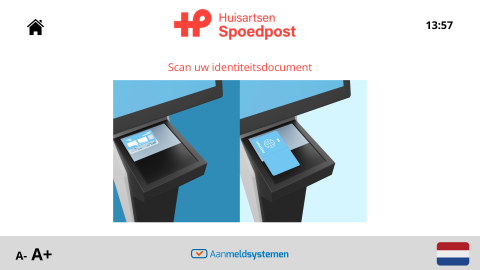
Scan the identity document
If the GP out-of-hours service chooses to make identification by identity document mandatory, an explanatory animation is displayed.
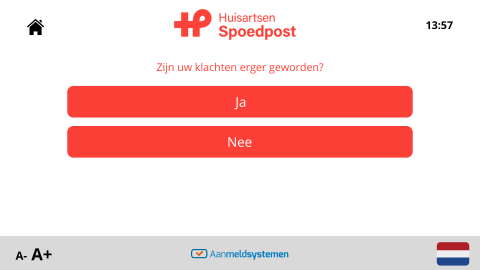
Additional triage check
If required, the system can ask whether the symptoms have worsened. The GP out-of-hours service can configure the instructions itself.
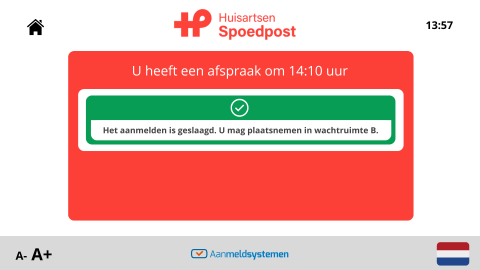
Check-in confirmation
Once the check-in has been completed successfully, the patient sees a confirmation on the screen with information about where to wait.
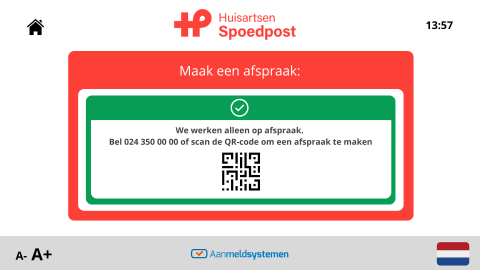
Check 'walk-in patient'
The GP out-of-hours service can decide how a patient without appointment should be handled. For example display a QR code with instructions.
Safety first
A trustworthy systemThe registration system has been developed by eValue8. With more than 20 years of experience in healthcare, we understand what is required in a critical care environment such as a GP out-of-hours service.
In addition, eValue8 is ISO 27001 certified. This means our system meets high standards for information security and privacy.

More information?
Would you like to know more about a registration kiosk for a GP out-of-hours service?Call us on +31 (0)24 – 350 54 00 or get in touch via the contact form.